
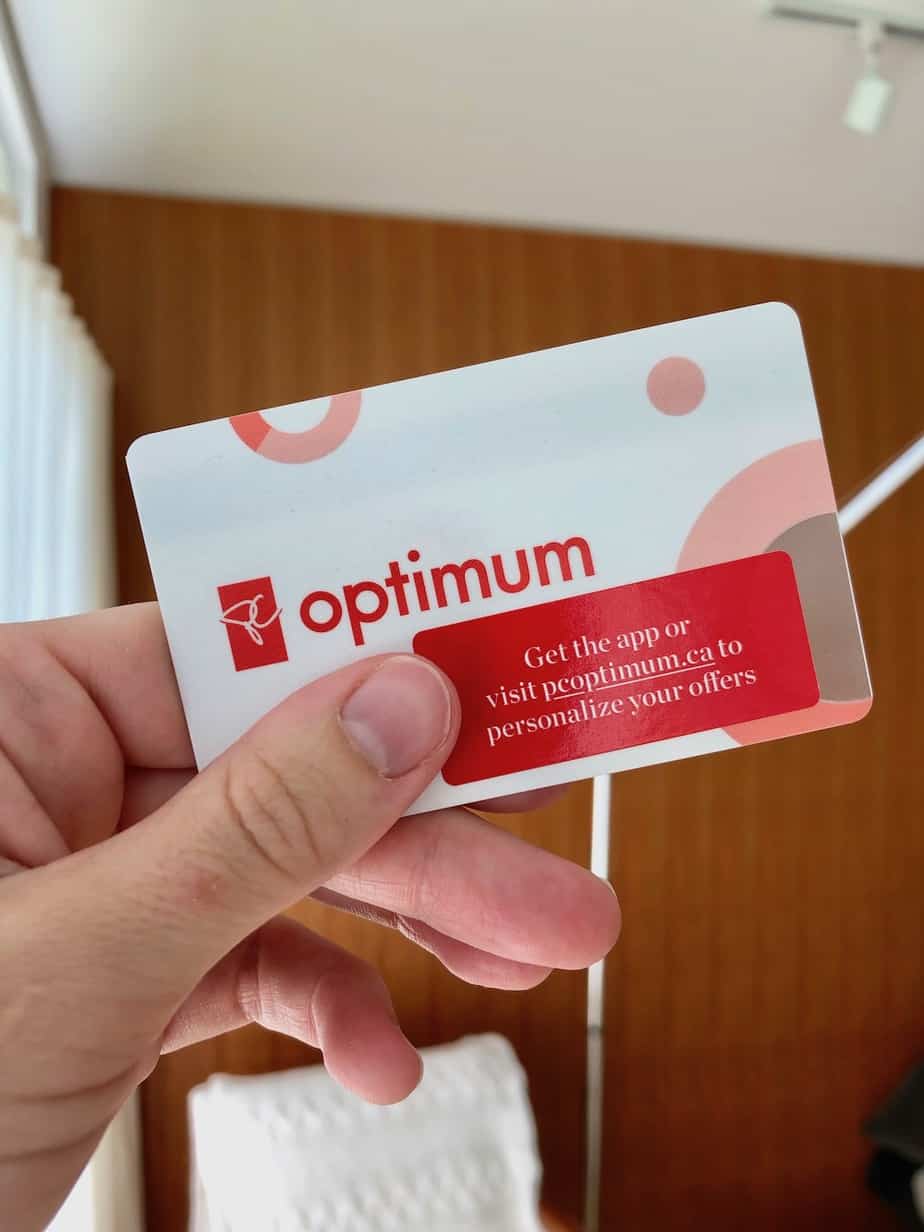
PC Optimum is one of Canada’s most popular loyalty programs, and for good reason. If you shop at Loblaw banner stores, Shoppers Drug Mart, or fill up at Esso, this program is worth paying attention to. I’ve been using it for years, and my overall take is simple: it’s worth the effort.
This review covers how the points work, how to earn them efficiently, and how to get the most value when you redeem. I’ll also share a few things I wish I had known sooner.
What is PC Optimum?
PC Optimum is Loblaw’s customer loyalty program. When you register, you get a membership card and access to an online portal. There’s also a smartphone app, which I’d call essential to actually making the program work for you.
The program is free to join. There is a paid upgrade called PC Insiders, but you do not need it to benefit from the basic program. You can read more about that in my PC Insiders review.
How PC Optimum points work
The points system is straightforward once you understand the conversion rate. You need 1,000 points to get one dollar of value. So 10,000 points equals $10 off your bill. That’s the number to keep in mind as you earn.
Points can only be redeemed in 10,000-point increments. That means the minimum redemption is $10 off a purchase of at least $10. If your total is $45, you can apply $40 in points, and you’ll pay the remaining $5 out of pocket. It’s a small inconvenience, but it doesn’t take away from the overall value of the program.
How to earn PC Optimum points
There are a few different ways to earn, and they are not all equal. Understanding the difference between them helps you earn faster.
Personalized offers
These are member-specific offers that show up in the PC Optimum app. They are matched to your purchase history, so they tend to be relevant to things you already buy. You may need to load them to your account before they apply, so check the app before you shop.
Promotional offers
These are offers available to all members and are often advertised in weekly flyers. You don’t always need to load them. They might look something like “earn 3,000 points when you spend $30 on fresh poultry.” In that example, you’re earning 100 points per dollar, which works out to about 10% back in redeemable value. That’s a solid return.
Some promotional offers are even better. I’ve seen offers like 500 points per dollar spent on a specific item. At that rate, for every $2 you spend, you get $1 back in points. That’s effectively 50% off. These deals don’t come around every week, but when they do, they’re worth planning your shopping around.
Base points at Shoppers and Esso
At Shoppers Drug Mart, you earn 15 points for every dollar spent. At Esso, you earn 10 points per litre of fuel and 10 points per dollar on eligible purchases. The base rate is modest on its own, but it adds up over time, especially if you’re a regular Shoppers shopper.
Points multiplier events
This is where base points get genuinely interesting. During a points multiplier event at Shoppers, your earn rate can jump from 15 points per dollar to 300 points per dollar or more. At 300 points per dollar, you’re getting 30% back in redeemable value on a wide range of products. These events are some of the best opportunities in the whole program.
To catch these events, you need to check the flyer or the app regularly. I keep the app on my phone and glance at it when I’m making my grocery list. Reviewing the weekly offers before you shop makes a real difference in how fast your points accumulate.
PC Financial payment cards
If you use a PC Mastercard or PC World Elite Mastercard, you earn points on every purchase, similar to a base earn rate. I don’t personally use a credit card for our grocery budget, so I can’t speak to the specifics, but it’s a legitimate way to earn more points if a rewards credit card fits your financial setup.
Tips for earning more points
The single most important habit is to always scan your card. I keep the small plastic card on my keychain. You can also use the virtual card in the PC Optimum app or add it to Apple Wallet. Missing a scan means missing points, and those add up.
Beyond that, the key is to pay attention to offers before you shop, not after. Look at what’s earning bonus points that week, then build your list around it. You don’t need to buy things you wouldn’t normally buy. You just need to know which of your regular items happen to be on a bonus offer.
Online grocery ordering is another way to stay on top of costs while earning points. When you shop online through PC Express, you can see the price per unit clearly, which makes it easier to compare and plan. If you have a PC Insiders membership, you also get free pickup, which saves a noticeable amount of time each week.
If you’re looking for more ways to keep your household running smoothly, the household organization section of the blog has plenty of practical ideas.
How to redeem PC Optimum points
You can use PC Optimum points for almost any merchandise at Loblaw banner stores. Groceries, personal care items, clothing, magazines. Standard loyalty program restrictions apply, so you can’t redeem for gift cards, but the range of eligible products is broad enough that it rarely feels limiting.
When I think about what to redeem points on, I focus on items I need that don’t go on sale very often. It doesn’t make sense to redeem points on something that regularly earns you a big stack of bonus points, because you don’t earn points on a purchase you pay with points.
Redemption events
Occasionally, PC Optimum runs boosted redemption events where your points go further than usual. For example, instead of 100,000 points getting you $100 off, you might get $150 off during the event. That’s a meaningful difference, and it’s worth holding onto a larger balance if one of these events is coming up.
A strategy I’ve heard from other shoppers is to bank points throughout the year and redeem during the holidays, when grocery bills tend to be higher. Whether you wait for a redemption event or a big holiday shop, timing your redemption thoughtfully gets you more for your points.
Do you need the PC Financial credit card?
No. The PC Optimum program is worth using without a PC Mastercard. The promotional offers and multiplier events provide enough earning potential to make the program genuinely valuable. If you prefer not to use credit, or just don’t want another card, you’re not missing out on the core benefits.
That said, if you already use a rewards credit card and want to consolidate your earning into one program, the PC Mastercard does add points on top of what you’d earn otherwise. It’s a personal finance decision, and either approach works with this program.
The PC Optimum app
The app is the most useful tool for getting value from this program. It shows your personalized offers, your current points balance, and upcoming promotions. I check it when I’m writing my grocery list each week. It takes about two minutes and it regularly changes what I decide to buy or where I decide to shop.
Your earned points usually show up in the app within two weeks of a purchase. If you notice a discrepancy, the app also has a way to report missing points.
Is PC Optimum worth it?
Yes, without hesitation. PC Optimum is free to join, straightforward to use, and redeemable for things you actually need, like groceries. The promotional offers and multiplier events can deliver real savings, especially if you’re already shopping at Loblaw, Shoppers, or Esso.
The effort it takes is minimal. Download the app, check the offers before you shop, scan your card at checkout. That’s really it. The points add up faster than you’d expect, and getting $50 or $100 off a grocery bill feels very satisfying.
If you want to learn more about how PC Express fits into this, my PC Express review covers the online grocery pickup service in detail. And if you’re curious about whether the paid upgrade is worth adding, the PC Insiders review walks through what the membership includes and who it makes sense for.





Leave a Reply to Marie Carrier Cancel reply